Generating Sitemaps with AI
Accelerating Your Workflow: Generating Sitemaps with AI
For digital and creative agencies, the initial discovery phase can often be the most time consuming part of a project. WriteMaps now offers an AI generation tool designed to help you jumpstart your sitemap creation, whether you are preparing a quick pitch or outlining a complex architecture for a new client.
Starting a New AI Project
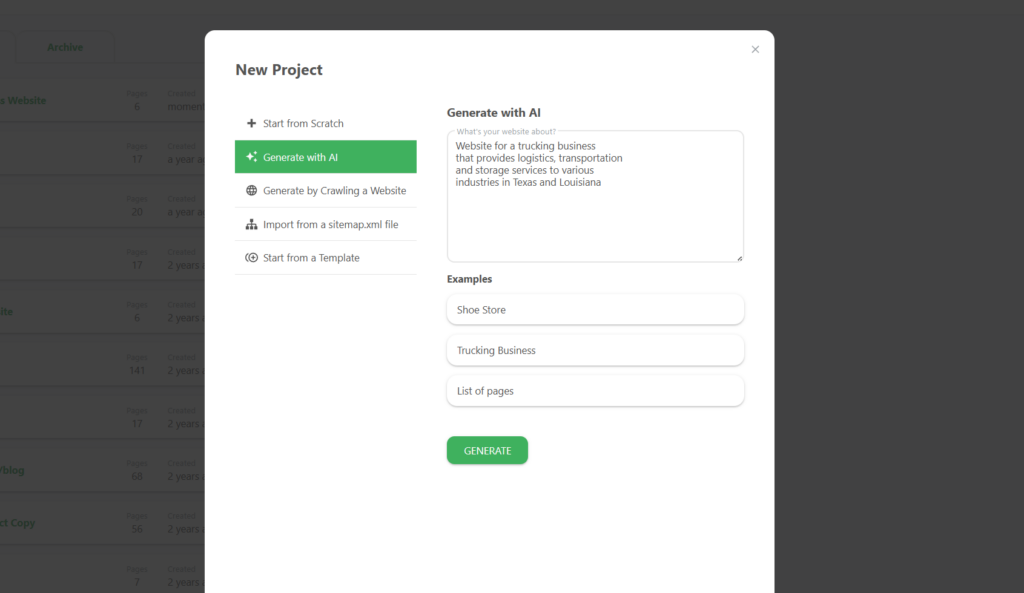
To begin building with AI assistance, open the New Project modal from your dashboard. You will find several options for creating your sitemap, including the ability to generate a structure from a simple text prompt.
- Select “Generate with AI”: Click this option in the left sidebar of the New Project window to open the AI interface.
- Describe Your Website: In the text area provided, enter a description of what the website is about. For example, you can specify the industry, key services, and target locations.
- Use Provided Examples: If you need inspiration, you can click on preset examples like “Shoe Store” or “Trucking Business” to see how the AI interprets different business types.
- Generate: Once you have entered your description, click the green GENERATE button.
The Generation Process
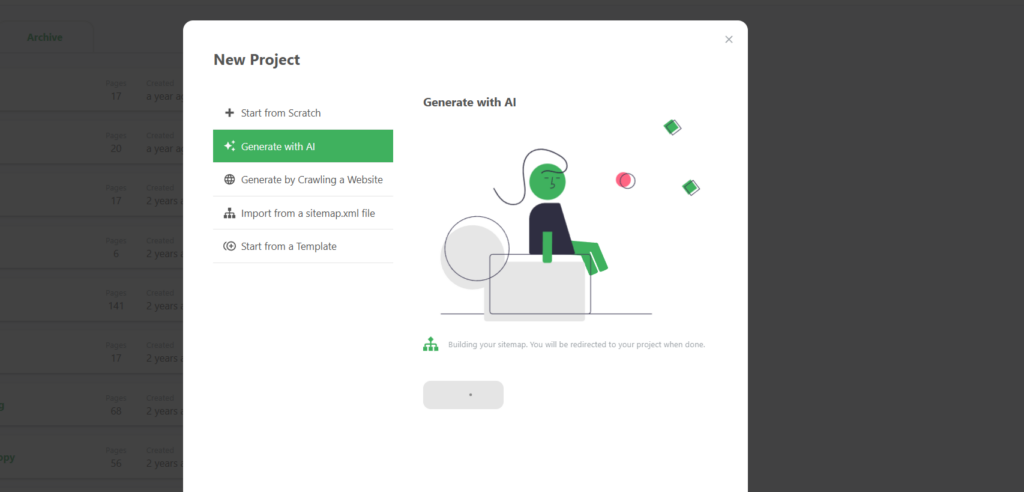
Once you click generate, the AI begins mapping out a logical architecture based on your description. A status window will appear to keep you updated on the progress.
- Building Your Sitemap: The tool will show a loading screen while it structures the pages and subpages.
- Automatic Redirection: You do not need to refresh your page; the system will automatically redirect you to your newly created project once the AI has finished its work.
Reviewing and Refining the Results
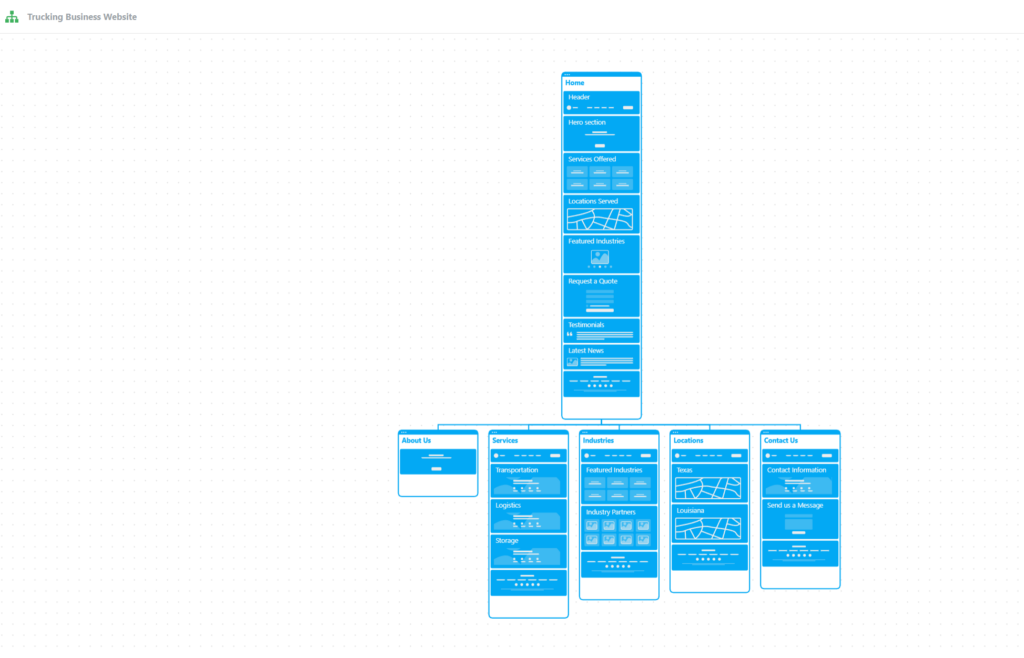
The AI creates a comprehensive visual sitemap that serves as a professional starting point for your delivery or audit process.
- Logical Hierarchy: The AI automatically generates a Home page with essential sections like Headers, Hero sections, and Featured Industries.
- Automatic Page Creation: Secondary pages such as “About Us,” “Services,” “Industries,” and “Locations” are created with relevant sub-sections already outlined.
- Customization: Once the AI has generated the foundation, you can manually move, edit, or add content to tailor the architecture to your client’s specific needs.
Why Agencies Use AI for Sitemaps
Integrating AI into your workflow allows your agency to move from a blank canvas to a structured proposal in seconds. This is particularly useful for:
- Client Pitches: Rapidly visualize a site structure during a discovery call to show immediate value.
- Standardizing Architecture: Ensure all projects start with essential SEO and UX pages.
- Overcoming Writer’s Block: Use the AI-generated sections as placeholders to help your content team understand the layout of each page.